VR Progress#
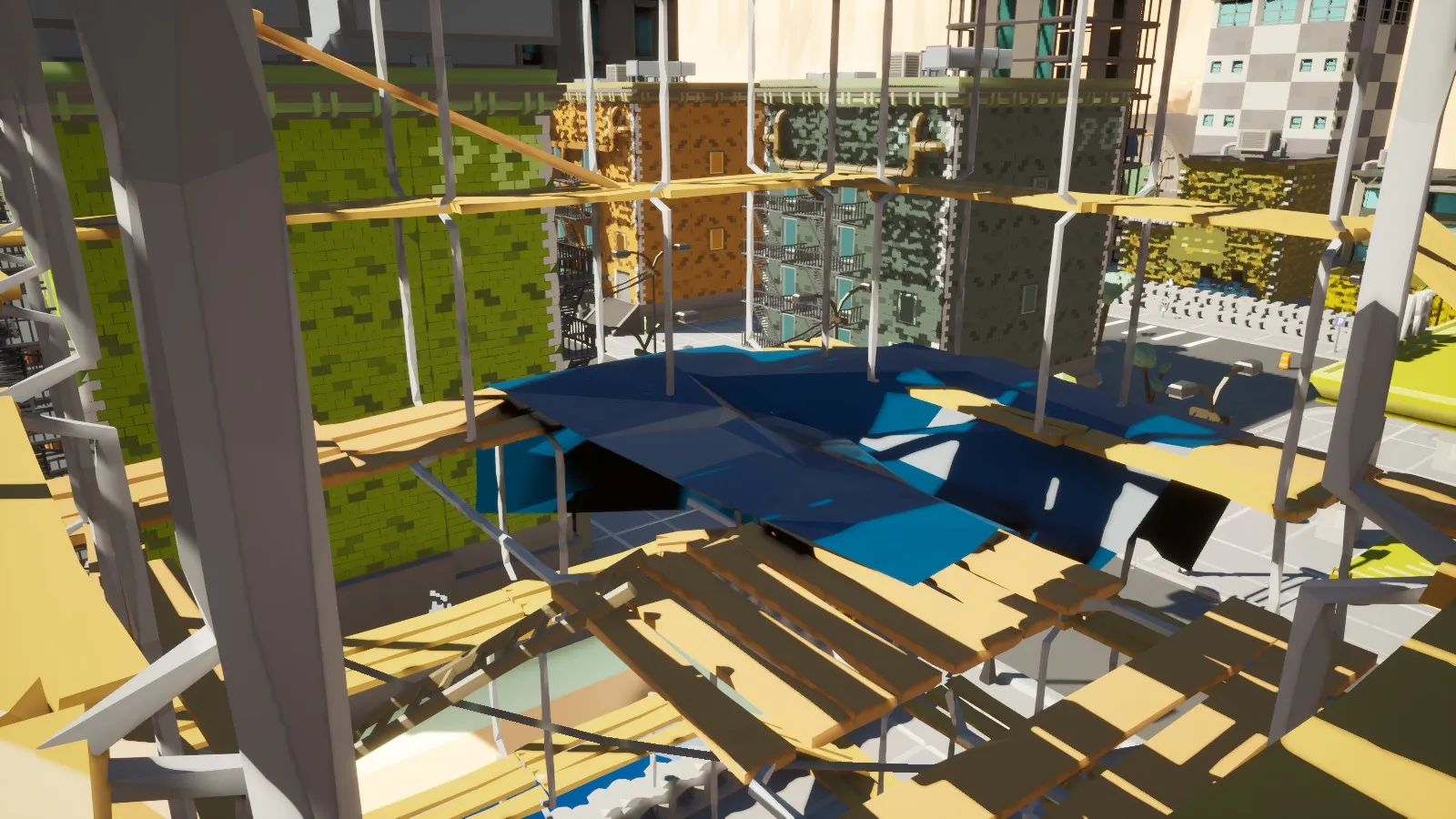
VR is going to be a thing in BadLads. Here’s a quick preview; VR isn’t ready for this update.
VR is going to be a part of the base game, and you’ll be able to play with regular players and vice versa. VR was announced in the last Update Tease, which this devblog is replacing. To reiterate the last post:
The VR experience of BadLads is not a separate game! It’s a hybrid situation: desktop players can play with VR players, and VR players can play with desktop players. You’ll be able to have meaningful interactions with everyone.
VR comes with VR-specific changes, VR options menus, custom VR movement types, and VR inventory management.
The VR version required some major work to get the game running at a stable 144 frames on my VR system. The game is running on a completely different rendering path called “Forward Shading,” and the engine has been gutted to run the game as well as possible.
The best side effect of running in Forward Shading is that you get infinite light distance in VR, as you can see in the video above.
Build a Base#
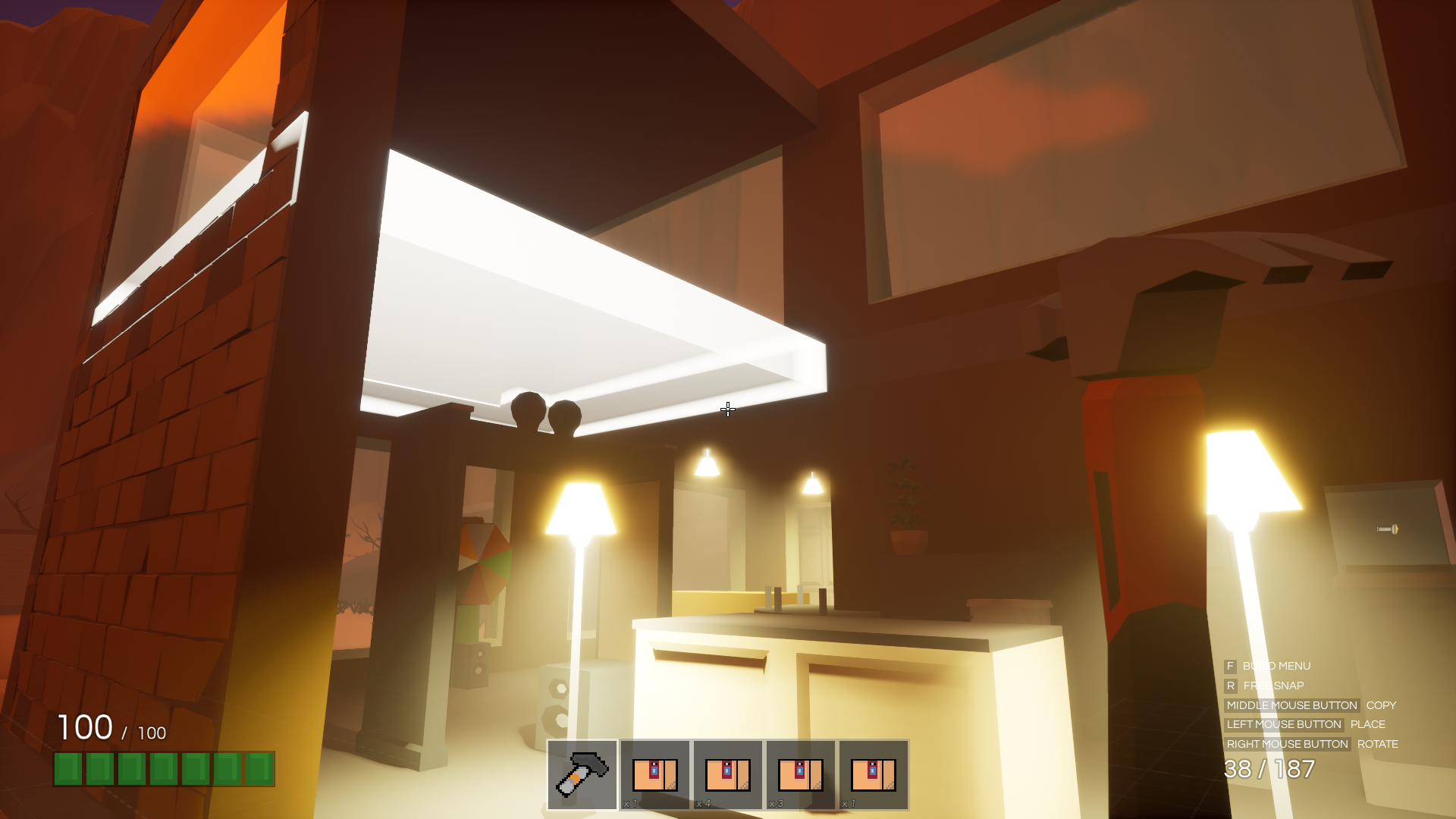
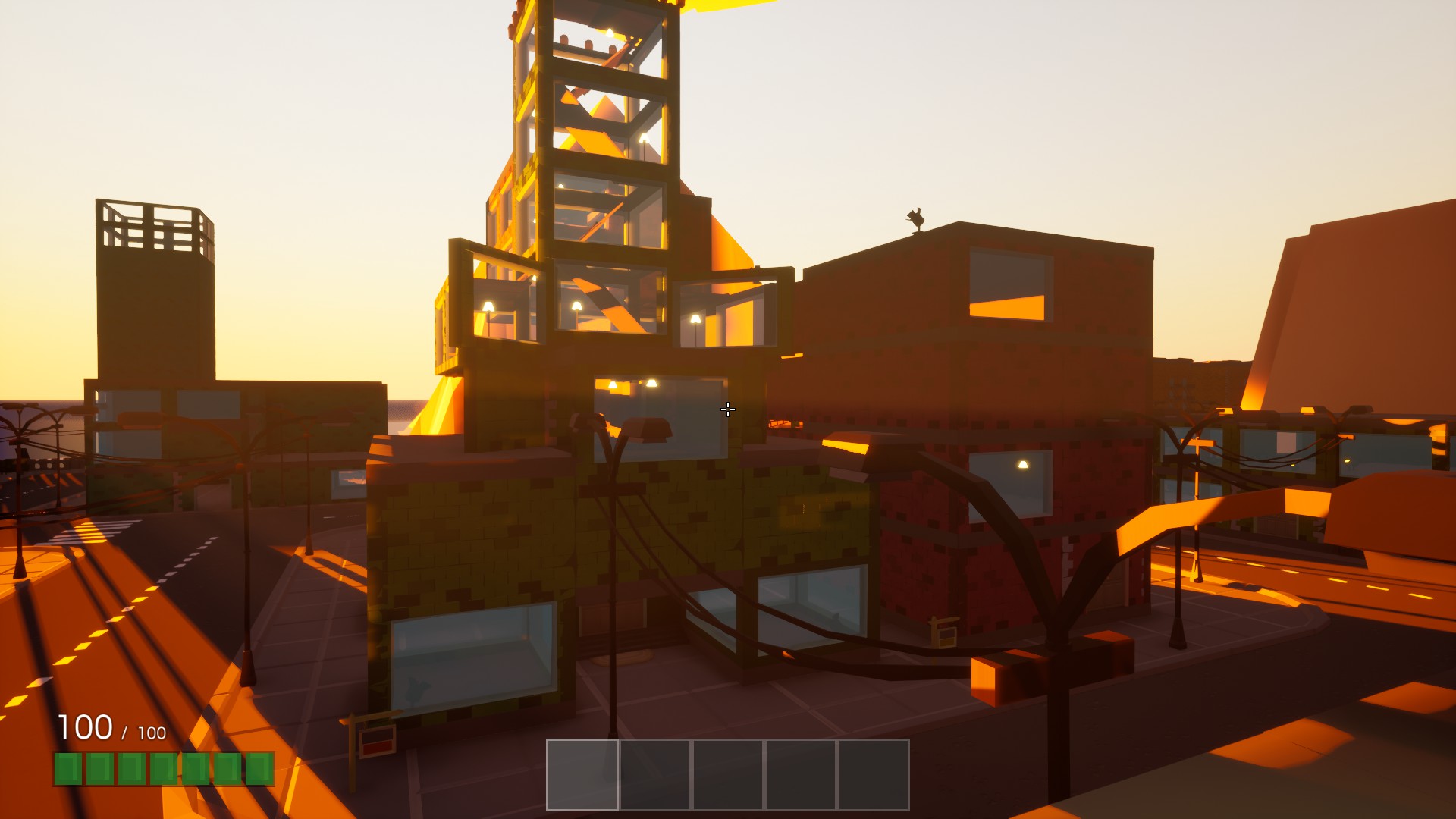
Base Building is a thing now. Find an available Build Lot and rent it out to start building. You can use the new base buildables in any rented estate; they are not exclusive to Build Lots.
New Buildables#
- Ceiling Light — A light source that can be placed on the ceiling.
- Fancy Spot Light — A Hollywood-esque spot light that’ll make your estates pretty.
- Standing Lamp — A light source that can be placed on the floor.
- Doors — Keep out those nasty burglars. Automatically hooks into the estate and becomes leasable/rentable just like any other door. Doors can snap into inner wall frames.
- Windowed Brick Wall.
- Brick Wall.
- Brick Wall with inner wall frame.
- Foundation.
- Foundation Steps.
- Impromptu Wall Buildable.
- Long Impromptu Wall Buildable.
Adding buildable lights was an interesting problem. The game’s lighting is completely dynamic and as you may know, dynamic lights kill your framerate. As a developer you can get around this issue by being smart with light placement, adjusting light cull distances, and tweaking them to fit specific scenarios. However, buildable lights mean anyone can place them anywhere, and as much as they want. This is a big issue; performance has always been king and always will be. That’s where the new light culling algorithm comes in, used exclusively for buildable lights. The algorithm prioritizes buildable lights that it thinks should be high quality. In BadLads this is called a significance level. Each light has a significance level that gets assigned by the new culling algorithm that takes light distance, radius, visibility, and whether it was recently shown into account and gives it a significance level. The result is being able to place hundreds of lights with no performance impact, while still looking as good as possible.
Build Smarter#
- Base Buildables inherit their color from the estate you are building on, making every building look unique.
- Free Snap: Hold R to free snap; use the mouse wheel for small rotation adjustments.
- Smart Snapping: Walls and foundations automatically snap to their appropriate locations depending on where you are aiming.
- Build Border: Displays a waving line around the Build Lot’s border to let you know how far you can build.
- Build Copy: Click the mouse wheel to copy the buildable you are looking at. It will buy that buildable if you don’t own it.
- Cosmetic Buildable Destruction: After a buildable is removed or destroyed, it shatters into hundreds of tiny pieces. If you don’t want cosmetic destruction, run the game with a
-nodestructionlaunch parameter. - You can now stack buildables on top of each other, as well as place them on any surface.
- Non-free snap rotation now moves in 45-degree increments instead of 90.
- You can now stand outside your Build Border and keep building, so attaching that pesky piece is possible.
- Buildable Counters and Impromptu Walls are smart snapped by default.
- The build selection menu now remembers your scroll offset, making it less tedious to use.
Base Buildables change color depending on which property they are on. This is a temporary solution to make buildings look unique. In the future, buildables will be paintable.
City Bay Area#
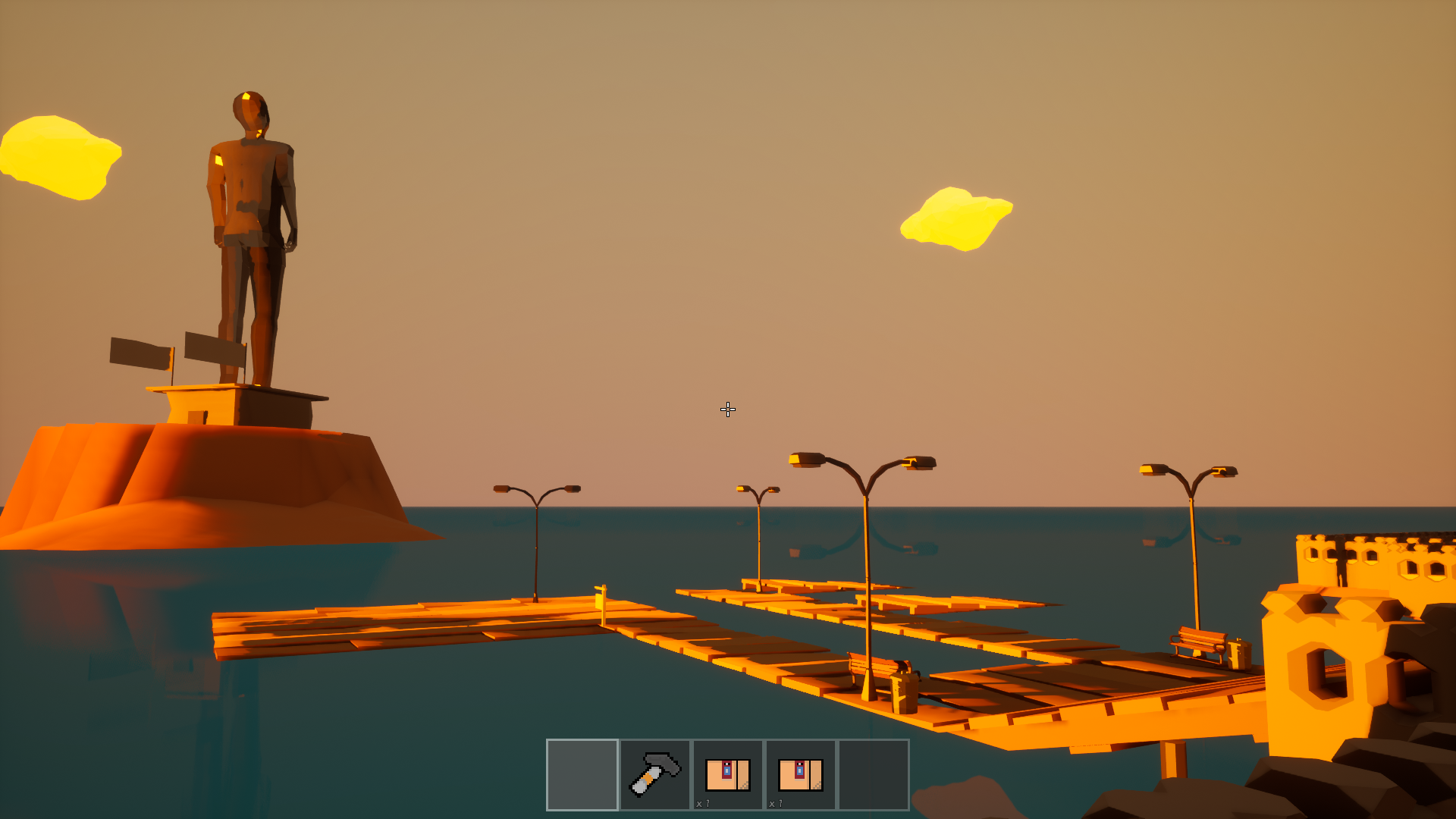
A new area created for base building, with a lot of large Build Lots that can be rented out.
Contracts#
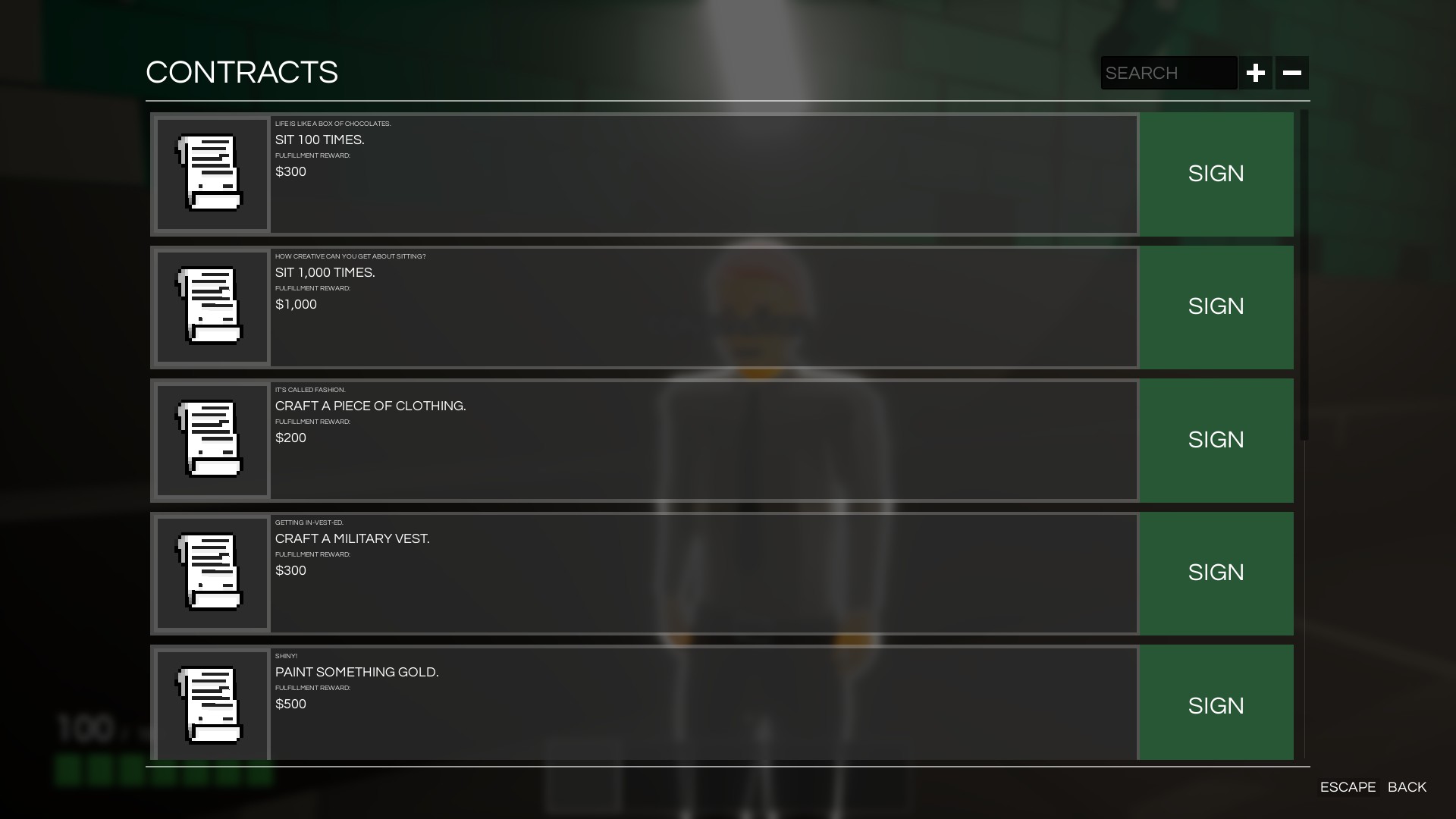

Contracts are goals that players can fulfill to earn some money. Contracts vary based on your current job; some can be fulfilled many times, some can only be fulfilled once. Find a Contractor NPC near you and sign some! Your active contracts can be viewed by opening your inventory menu and clicking on the Contracts button, or just press F1.
Crafting and a Larger Inventory#
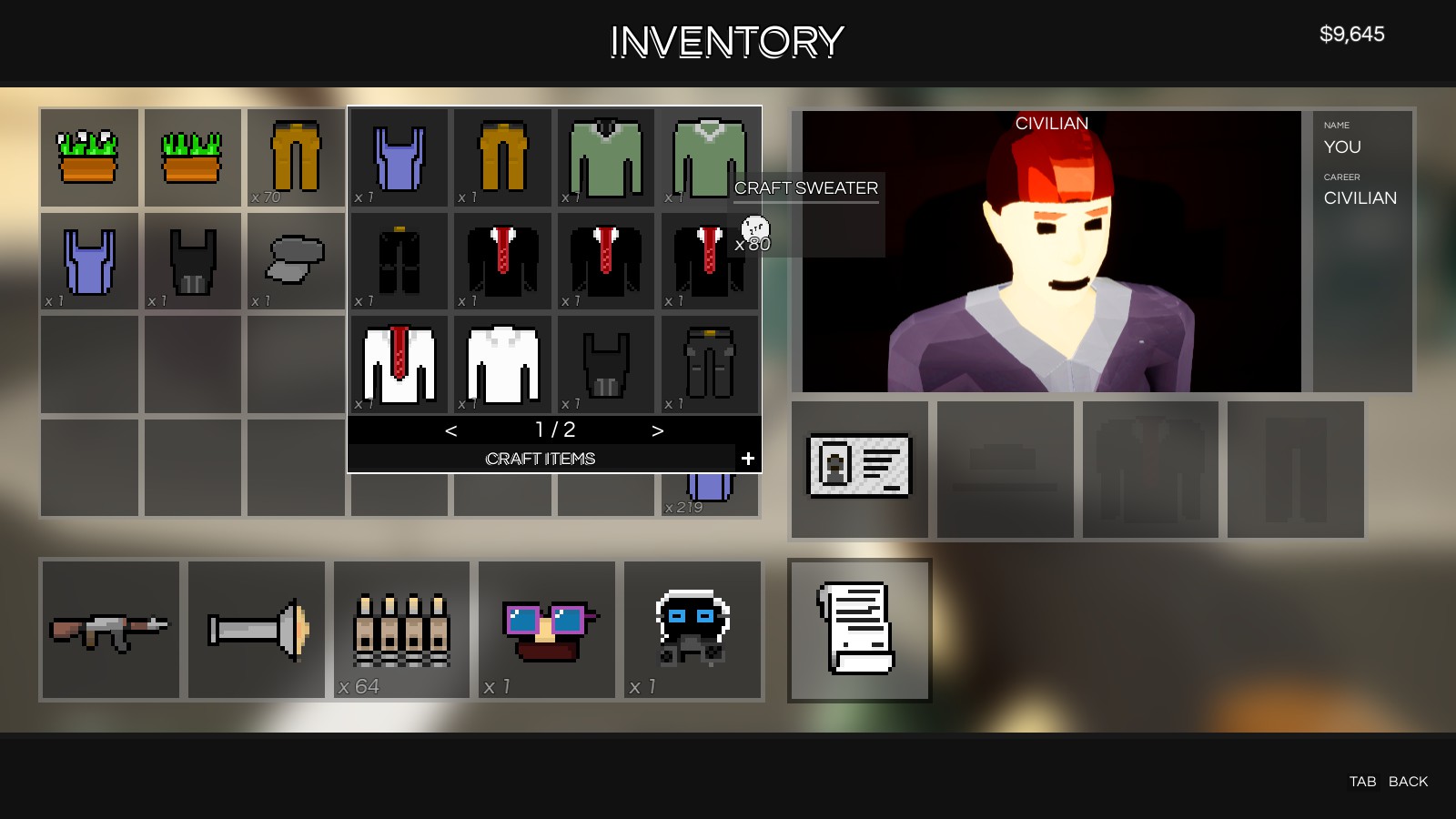
You can now craft through the inventory menu. Right-click an empty inventory slot and a crafting menu will appear. You’ll see all the craftable recipes right in front of you. If you’d like to see everything you can craft, click the little plus symbol on the lower-right corner of the crafting menu. This toggles a special mode that lets you see every craftable item in the game.
The inventory size has been increased.
Cotton, Trash, and Recycling#
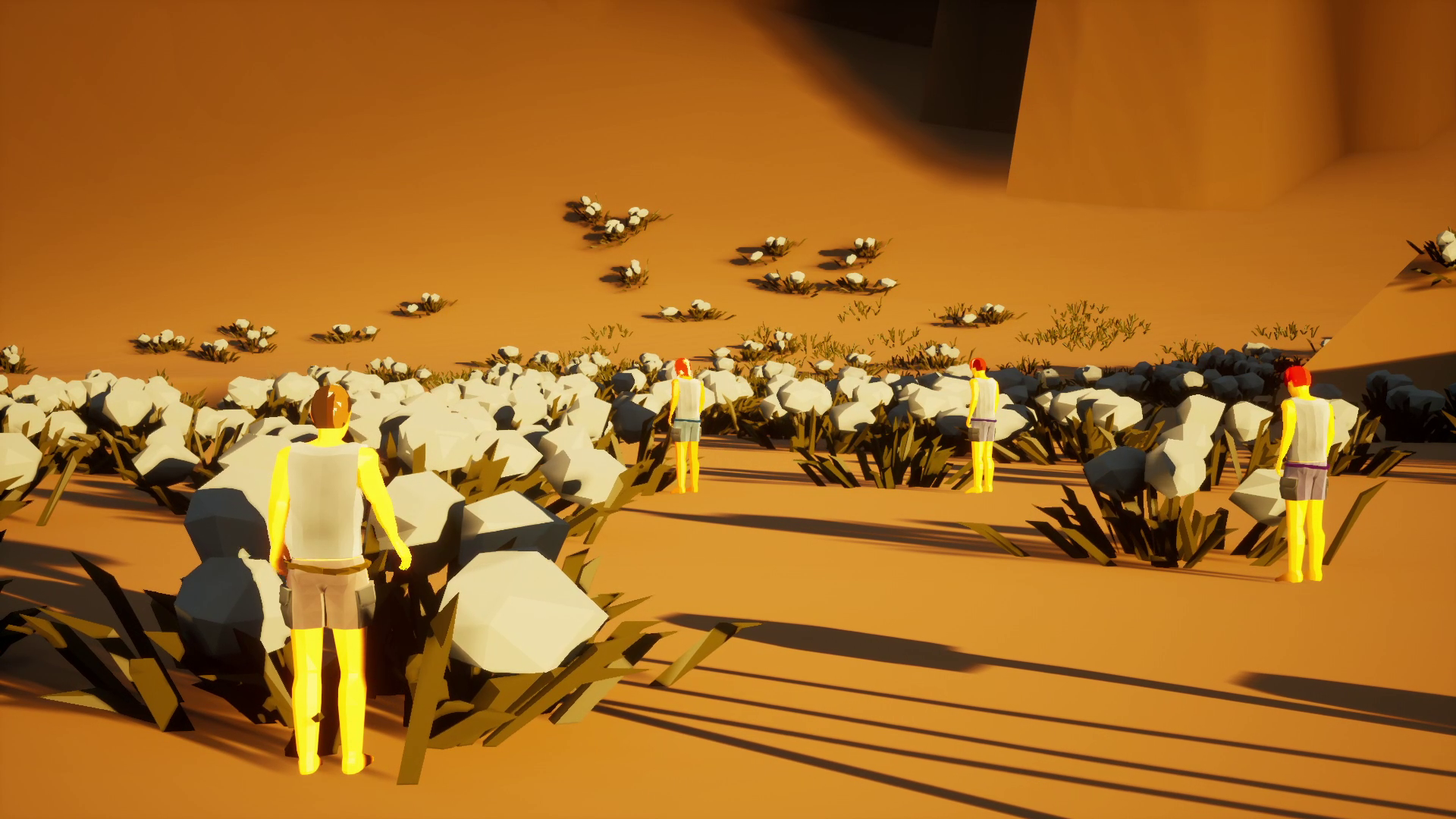
Cotton fields! Walk up to a cotton field and hold E to collect some. Do this a few more times and you’ll be able to craft a piece of clothing. Cotton mostly spawns in the desert area. Certain types of collectables regenerate after a while.
The foliage clusters in the game are dense and plentiful, and you’re able to pick up a single piece with no issue in a large-scale multiplayer game. How does that work? If you count how many individual foliage pieces you have per cluster, you’ll end up with 64 every time. Internally, the game uses an extremely compact 64-bit data value to store individual foliage states. This makes foliage clusters easy and cheap to network across all players. To make rendering huge foliage clusters fast, the game uses a special instanced rendering path for the meshes, ensuring high framerates. Last but not least, foliage placement can be optionally generated at playtime, meaning this works great with procedural levels.
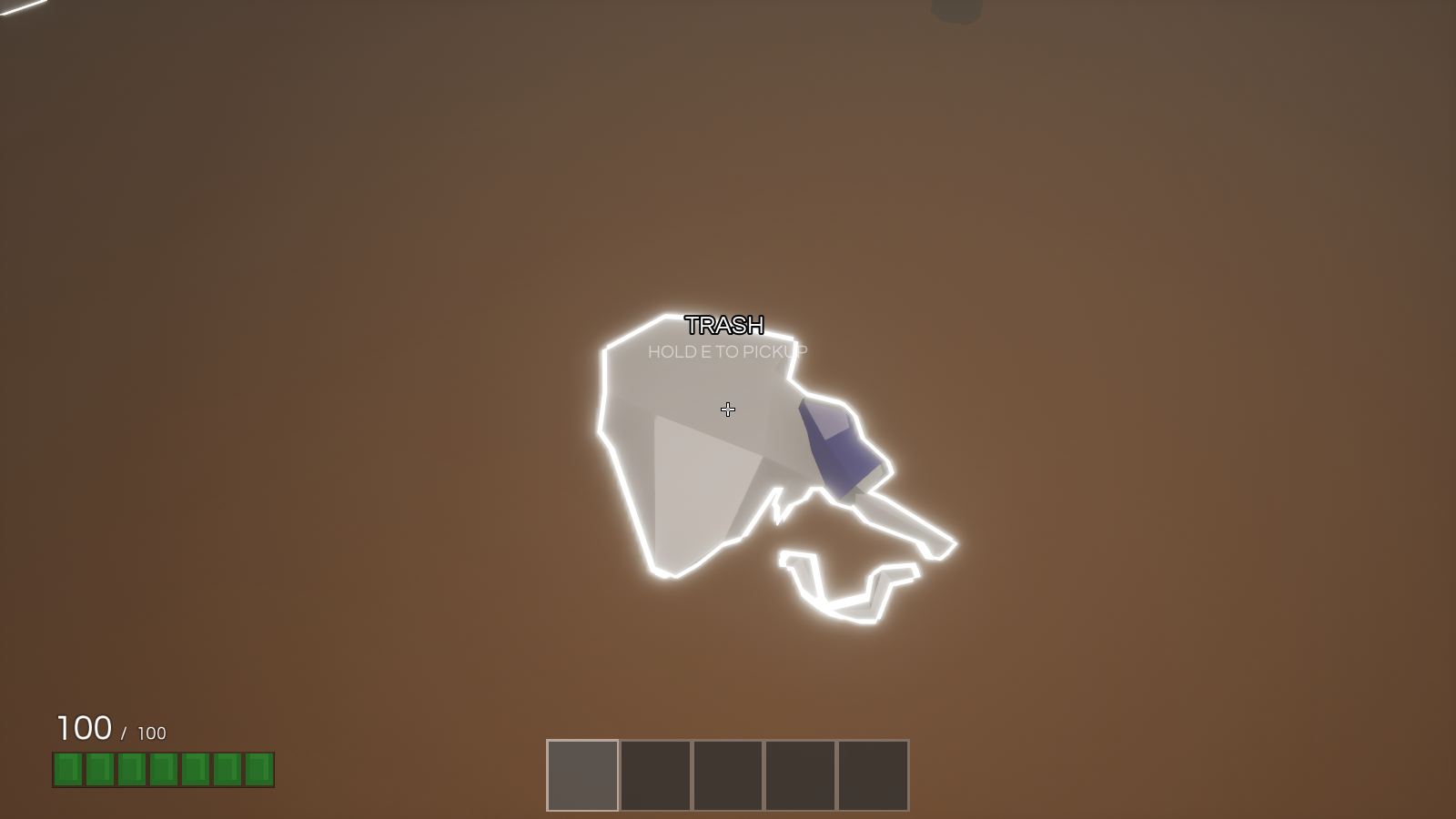
Trash piles are a special type of collectable that spawns around the map when the economy is in the dumps. Collect enough trash and craft Recycled Trash. Recycled Trash goes into the Trash Recycler (big trash can); that way players can earn money by cleaning up and recycling.
The economy gets worse when players are printing money. You can view the economy’s current state on the large billboard in Vegas city.
Cotton Farms#
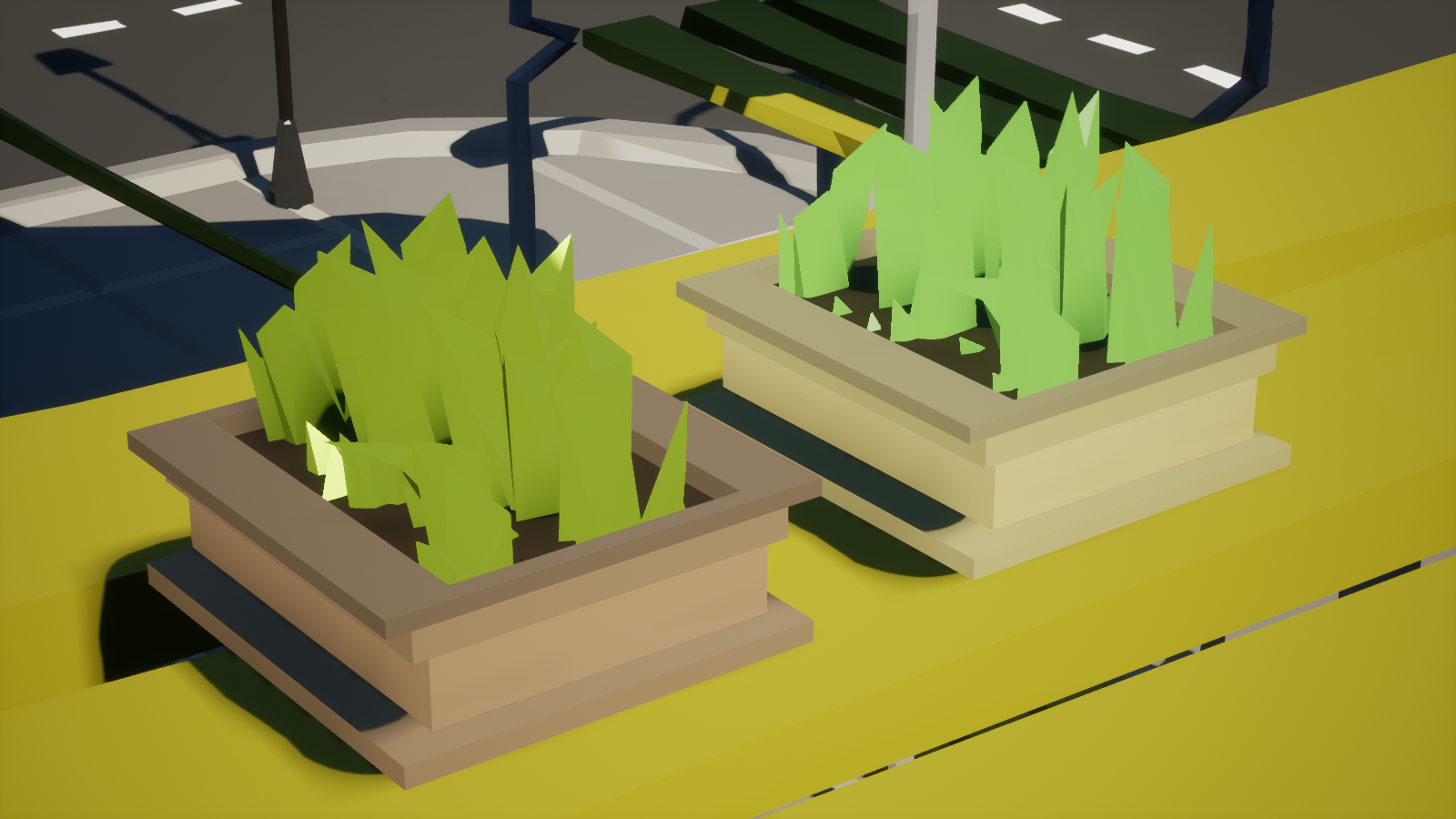
Cotton can be gathered and crafted into a special new item called Cotton Farm. There are two tiers of cotton farms, high and low. Cotton Farms are a bit expensive; however, if you need a fair bit of clothing they are very worth it. Plop one down and get farming!
Visual Revamp#
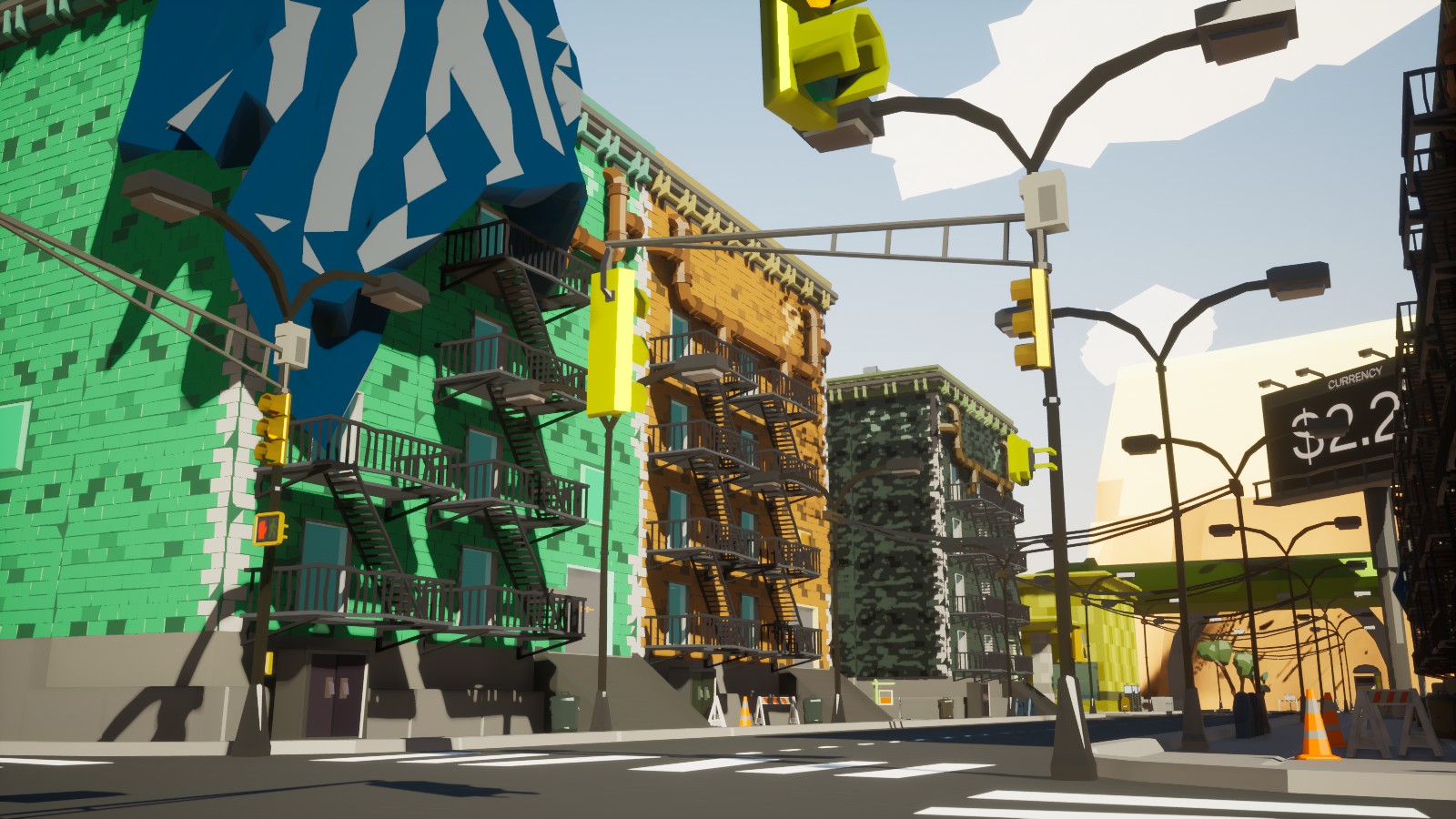
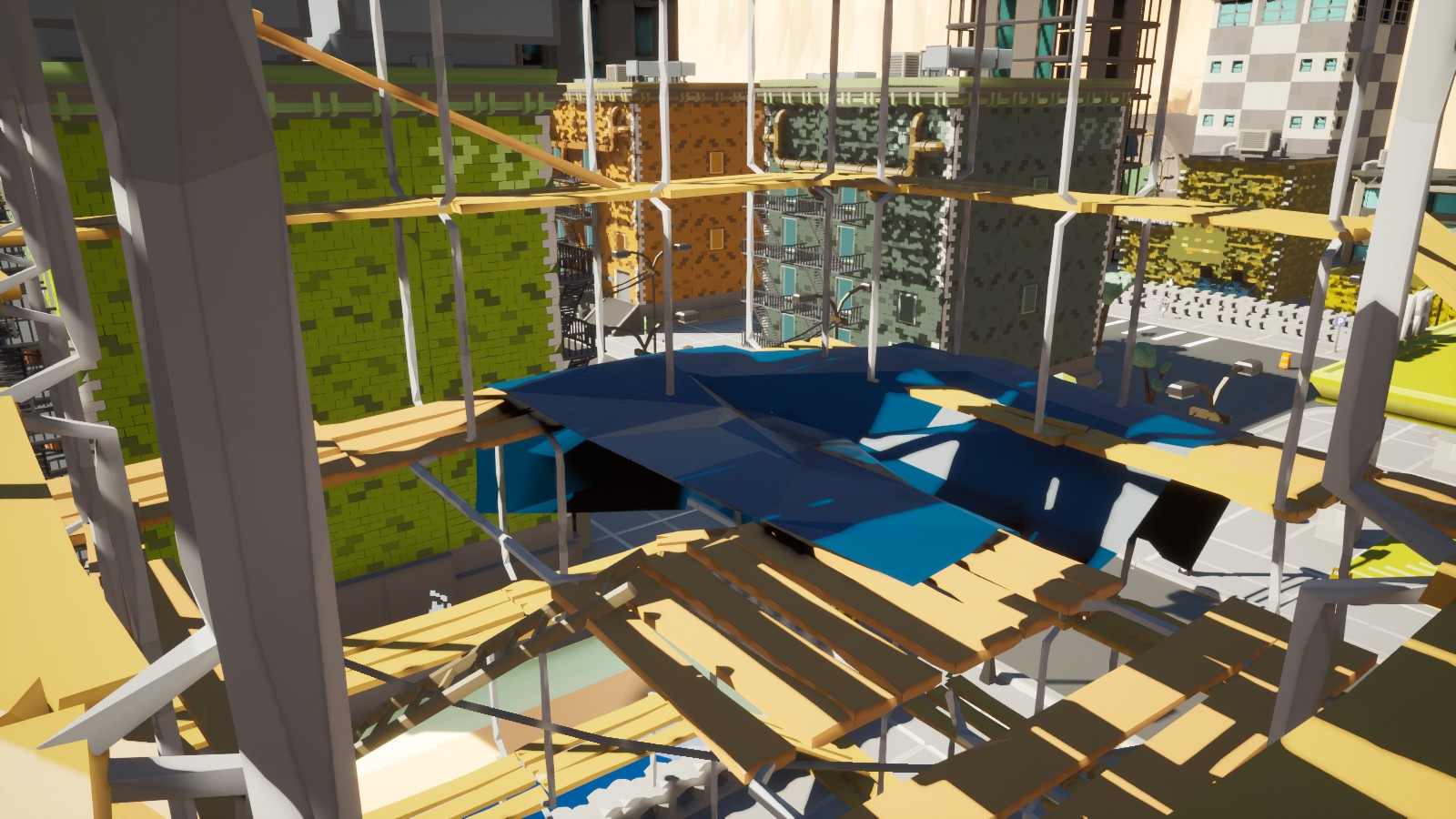
The game has received a huge visual makeover. A lot of geometry has been completely redone in a new style.
Procedural Progress#
Procedural isn’t ready yet, but work continues. Here are some screenshots.
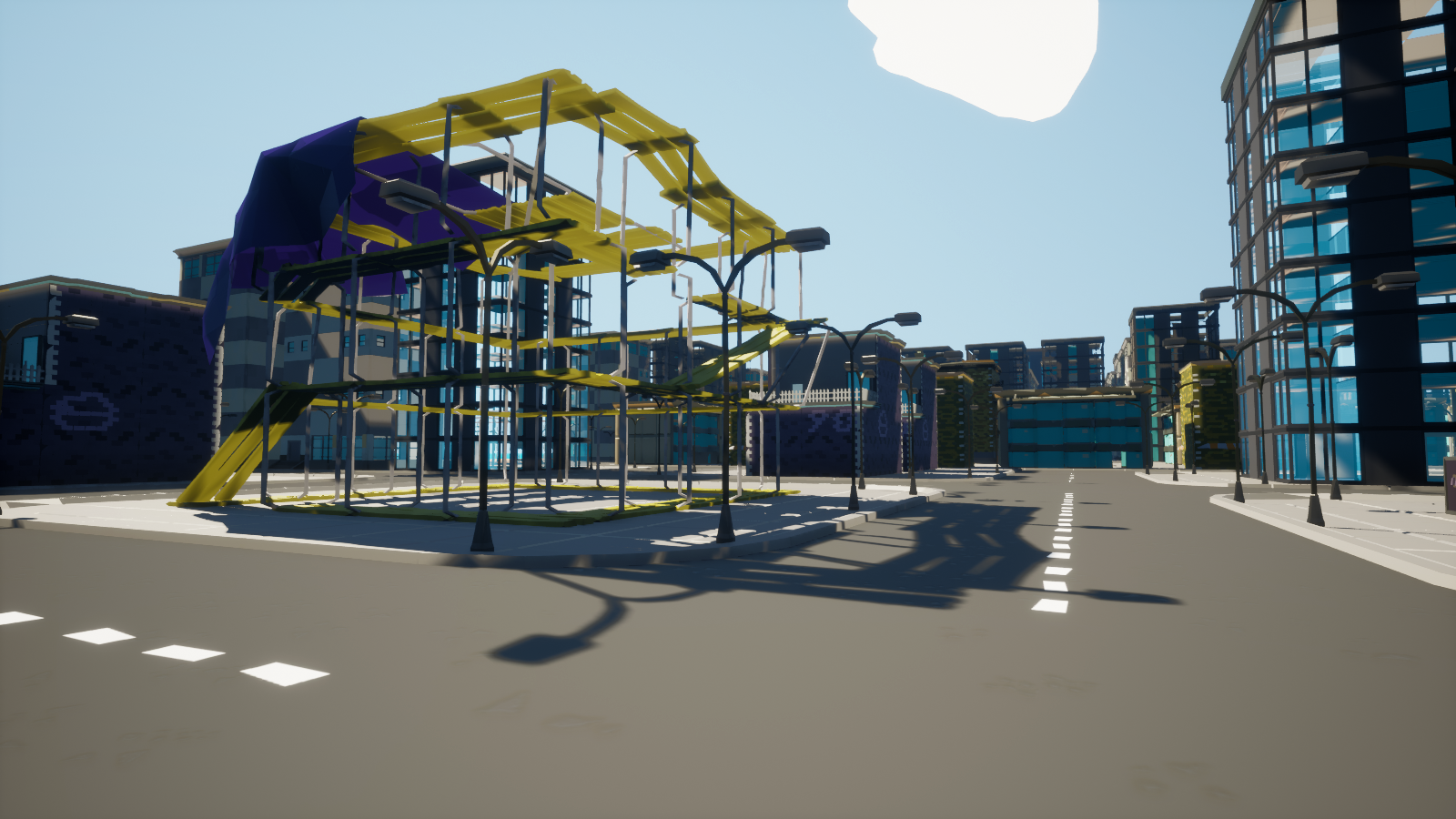
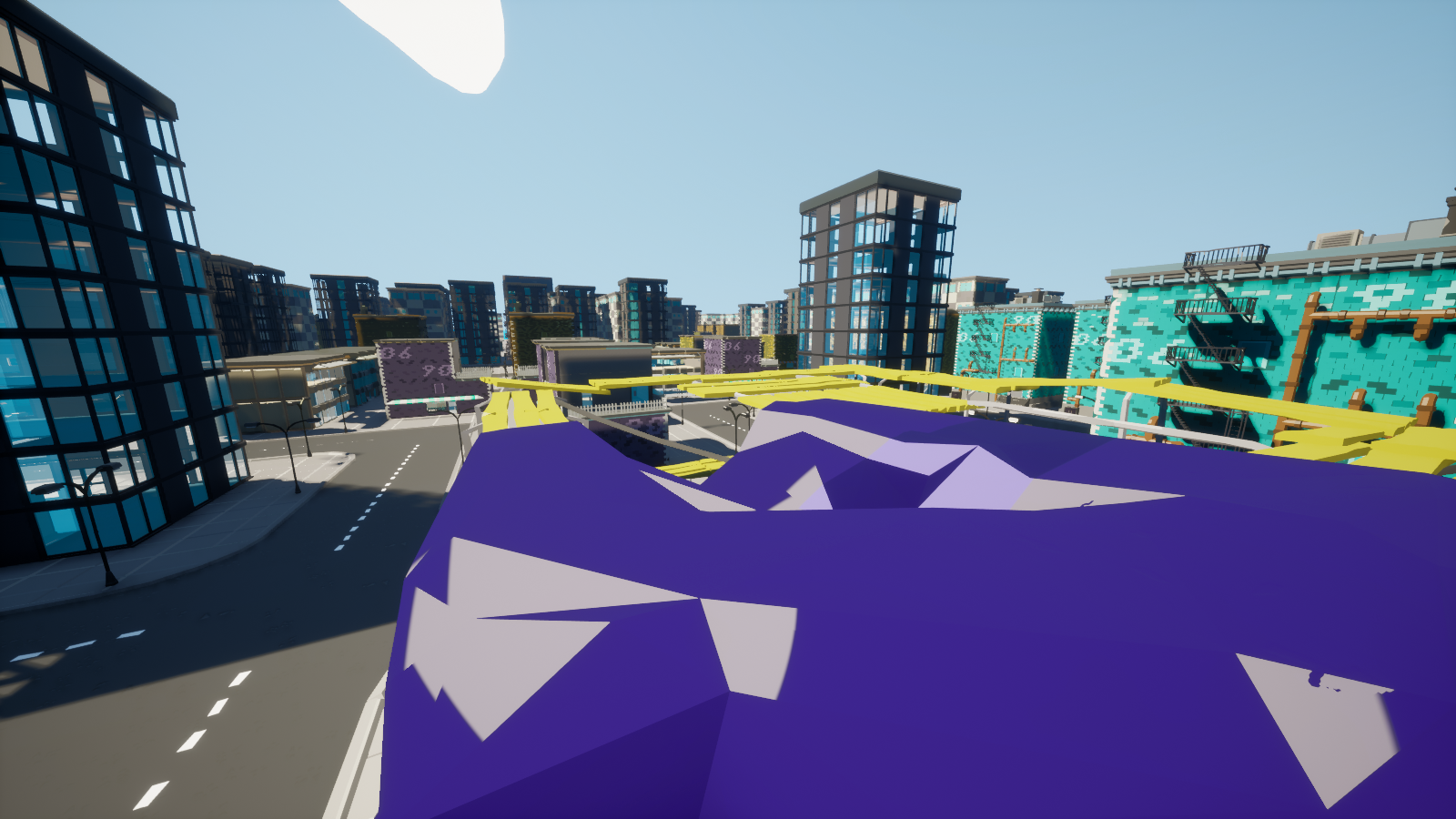
A lot of work has gone into procedural: dynamic building streaming and performance optimizations that allow for hundreds of thousands of unique objects. The game automatically loads and unloads large buildings right under your nose. Keeping object count low is preferable, and loading in all the buildings would result in a horrendous experience. This, coupled with the new PLOD system, ensures that buildings are visible from great distances and don’t just pop into existence when loaded.
Current procedural development goals:
- Build Lots are coming to procedural.
- Varied building configurations and styles.
- More visual clutter.
You can test out procedural right now: main menu -> sandbox -> procedural test.
New Empty Map#
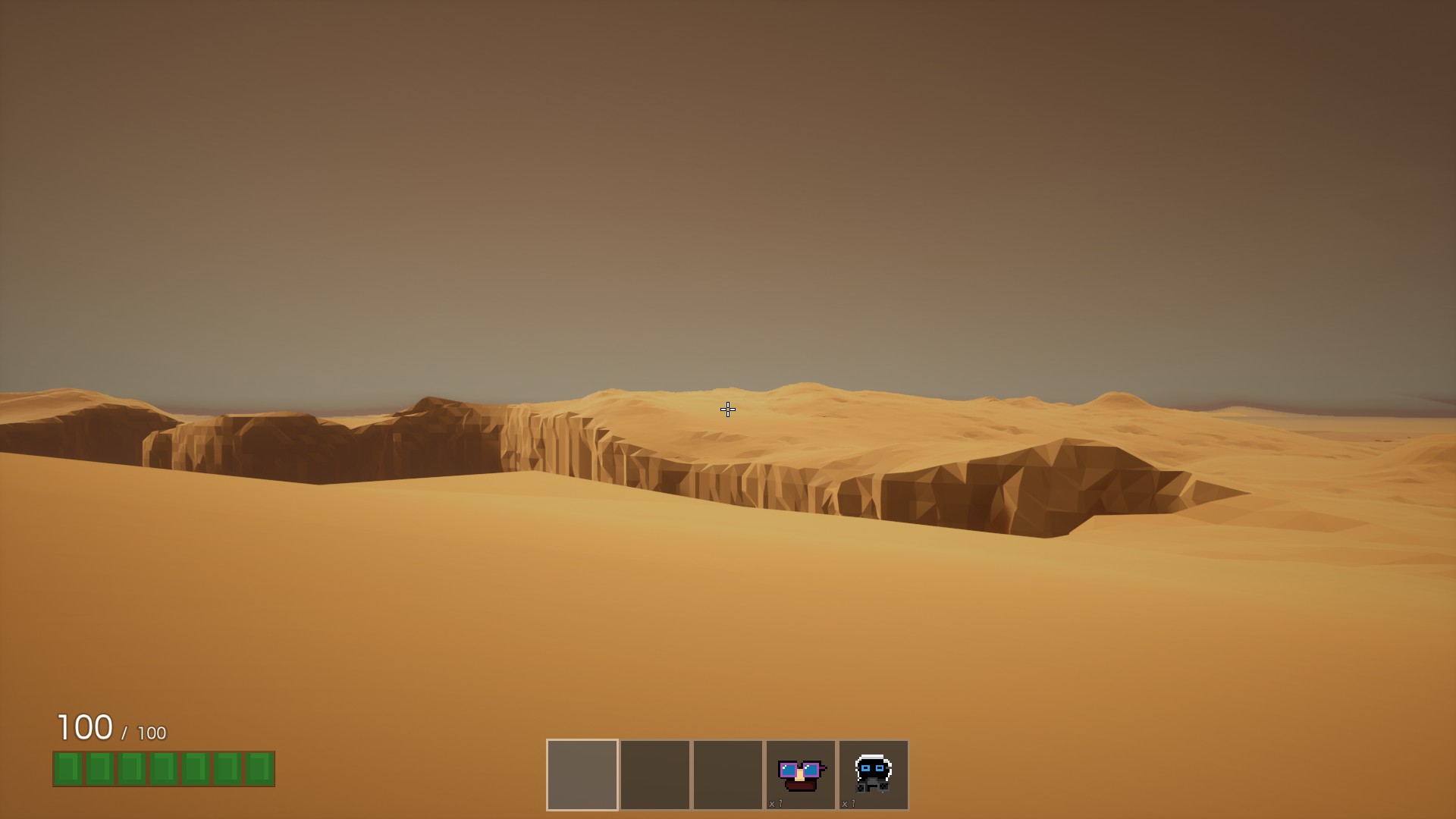
Cliff is a new empty map that players can use for whatever they want. This map is a prelude to something discussed at the end of this devblog. The map is absolutely ginormous, filled with huge bottomless pits that you best take care not to fall in. Features fancy desert-like haze and shifting sand, making the experience really feel like a desert. The sand effects also transfer over to Vegas, making the sand look much better all around. SAND!
Optimization#
The game has received a massive optimization pass thanks to the initial Procedural and VR work. For example, buildings swap out hundreds of unique static meshes for a larger low-detail static mesh at far-away distances. The settings have been tuned to make it imperceptible if you aren’t looking for it. Internally I’ve coined these as PLODs, standing for Prefabricator LOD. You construct your building and bake out a lower level of detail representation of the whole building with a click of a button. The game automatically streams PLODs in and out. This specific optimization actually halved the frametime in Vegas alone.
Next up, I’ve replaced most instances of the dynamic materials. A single dynamic material is a single drawcall in an unlit scene, per unique mesh. A dynamic material is used to color your hat, light up your vehicle’s lights, or change the color of your buildables. That adds up quick, so the dynamic material instances have been replaced with custom primitive data, meaning no material instances are created. Custom primitive data is a cheap way of getting information to the game’s shaders, unlike dynamic material instances. This way we only pay for the unique meshes in the scene, which actually resulted in a negligible improvement in my testing scenarios.
Because of this change, every single material in the game now stems from a single massive uber shader which takes care of everything you’ll ever need. Custom emissive properties with no drawcall cost? Check. Custom colors with no drawcall cost? Check. Custom plane masking with no drawcall cost? Check. This makes adding cool effects a breeze and costs zero draw calls.
Identity Cards#
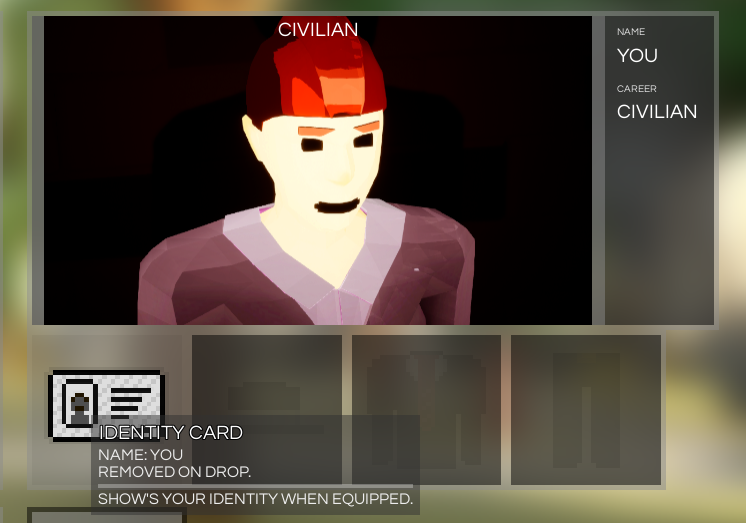
Identity cards are a special per-player item. Having your identity card equipped lets others see your in-game name. Their purpose is going to be expanded in the future, letting players claim your identity card and steal your in-game identity.
Procedural Height and Body Scale#
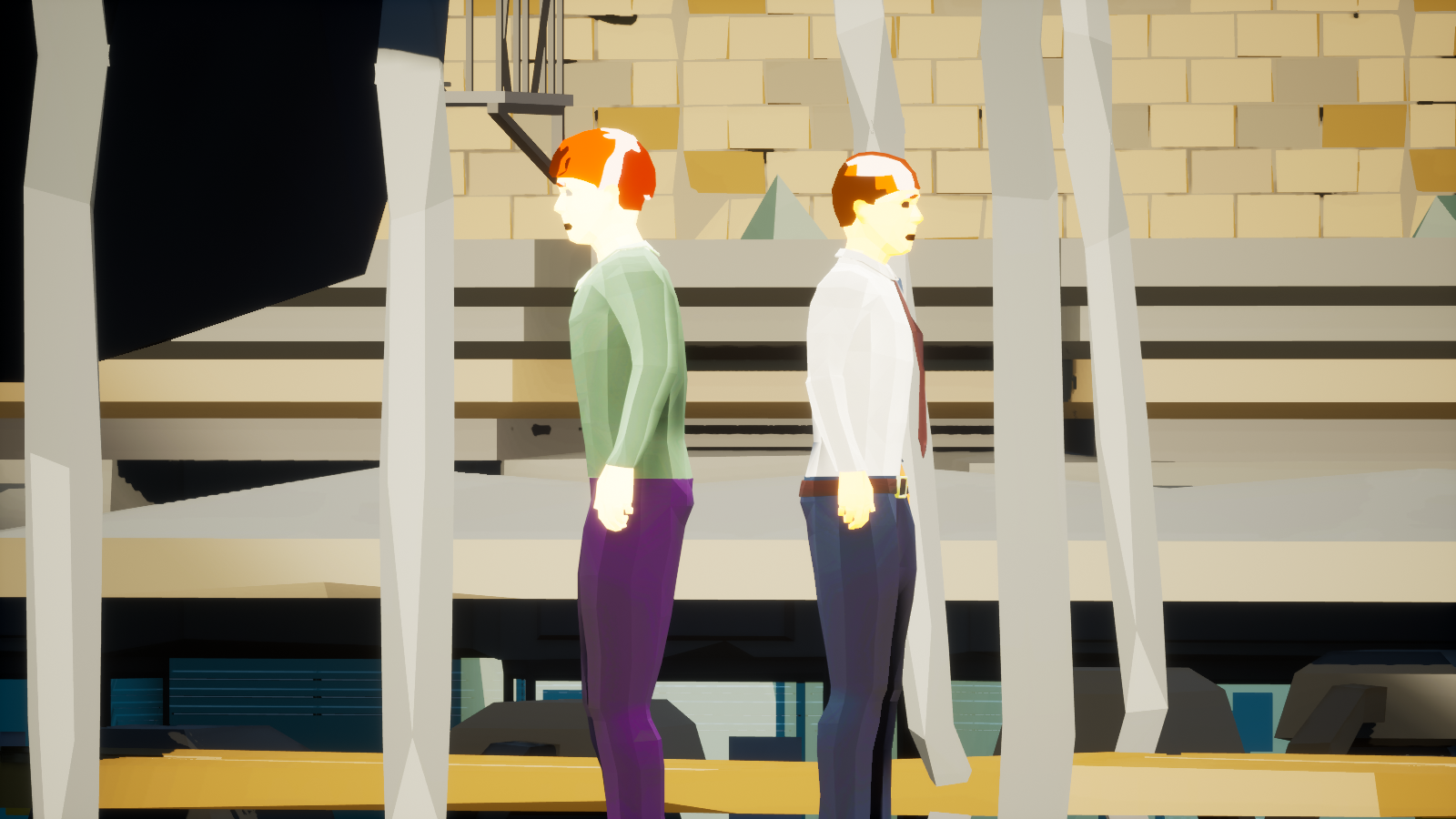
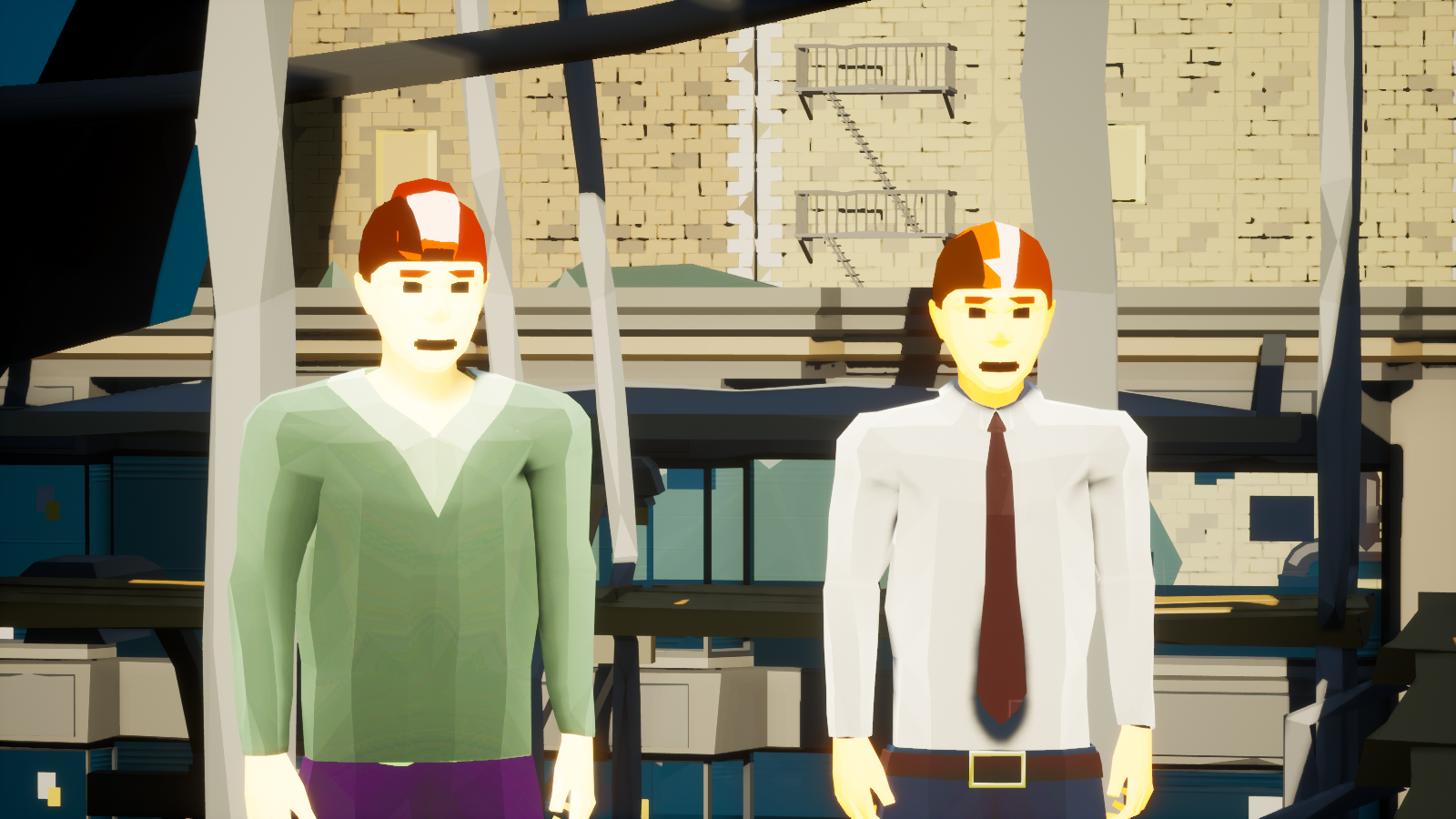
Every single player now has a random height and body size. Some people are significantly taller, some are quite short. This is reflected in first-person as well. Your viewpoint will be shorter or higher depending on your in-game height.
Hybrid Third-Person#
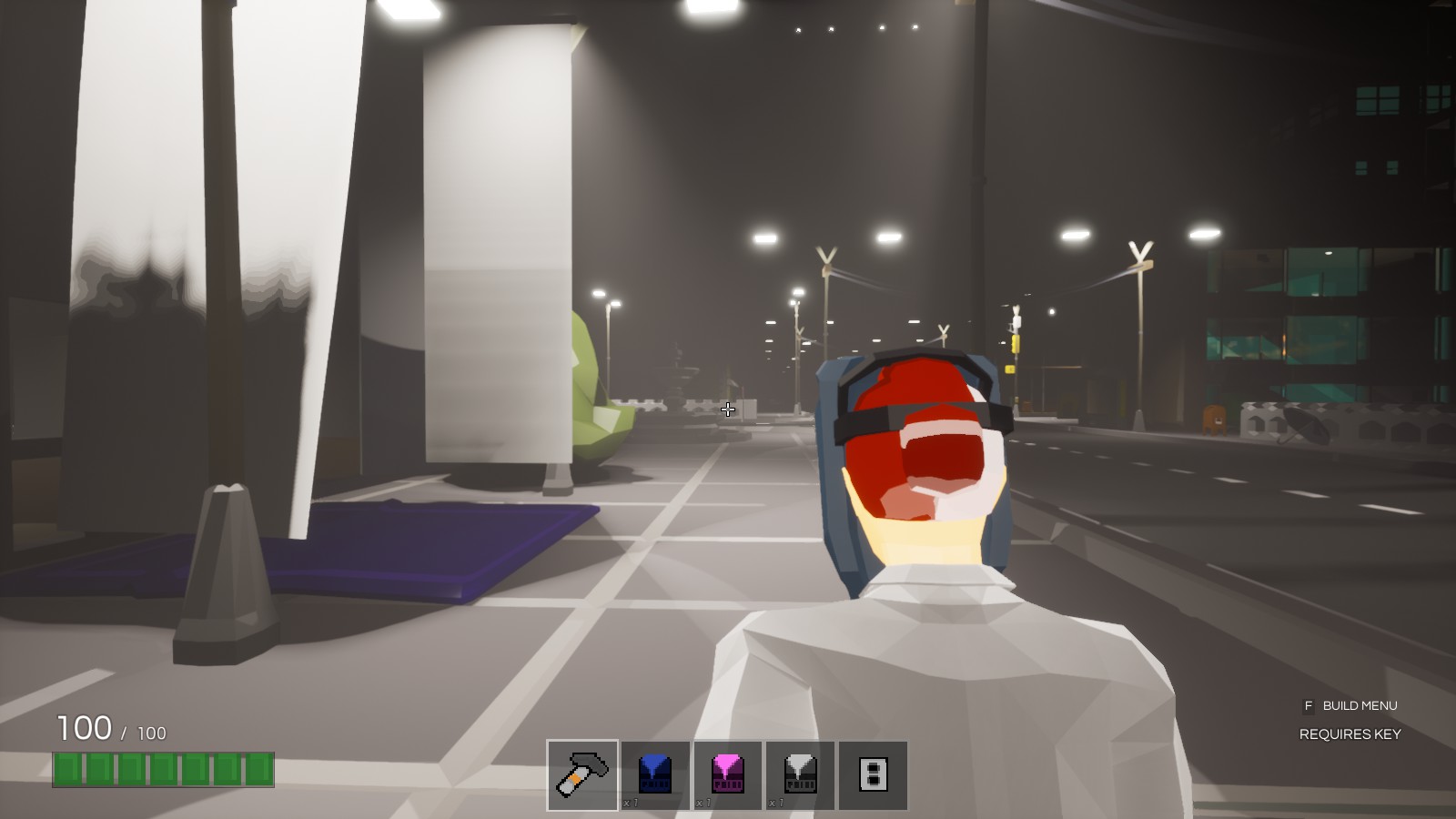
You can now switch between third-person and first-person with F5, which can of course be rebound. You’ll only be able to switch on servers that permit third-person.
Speech to Text#
Real-time voice transcription uses the cutting-edge technology developed by Mozilla, now COQUI. This all runs locally on your computer, nothing gets sent to any third-party voice transcriber. As good as it gets! Why STT? This will all make sense soon enough, you have my word. You can disable voice transcription in the Sound settings.
Text to Speech#
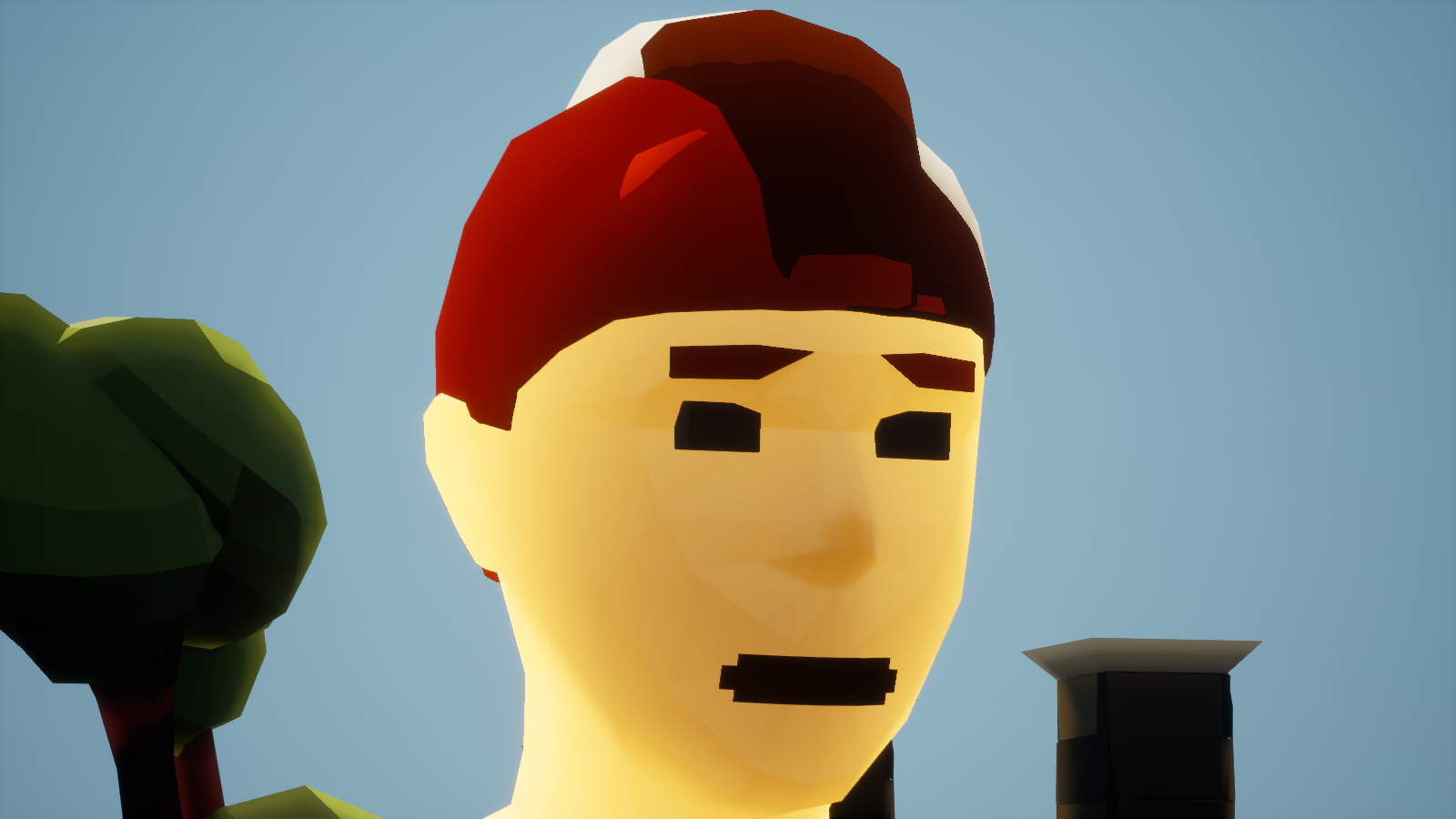
Anything you say in local chat will now be announced to the world as text to speech, coming out of your character’s mouth. Each individual player has a unique voice pitch and voice speed. You can disable text to speech in your Sound options. At the time of writing this only works for Windows desktop players.
Stars#
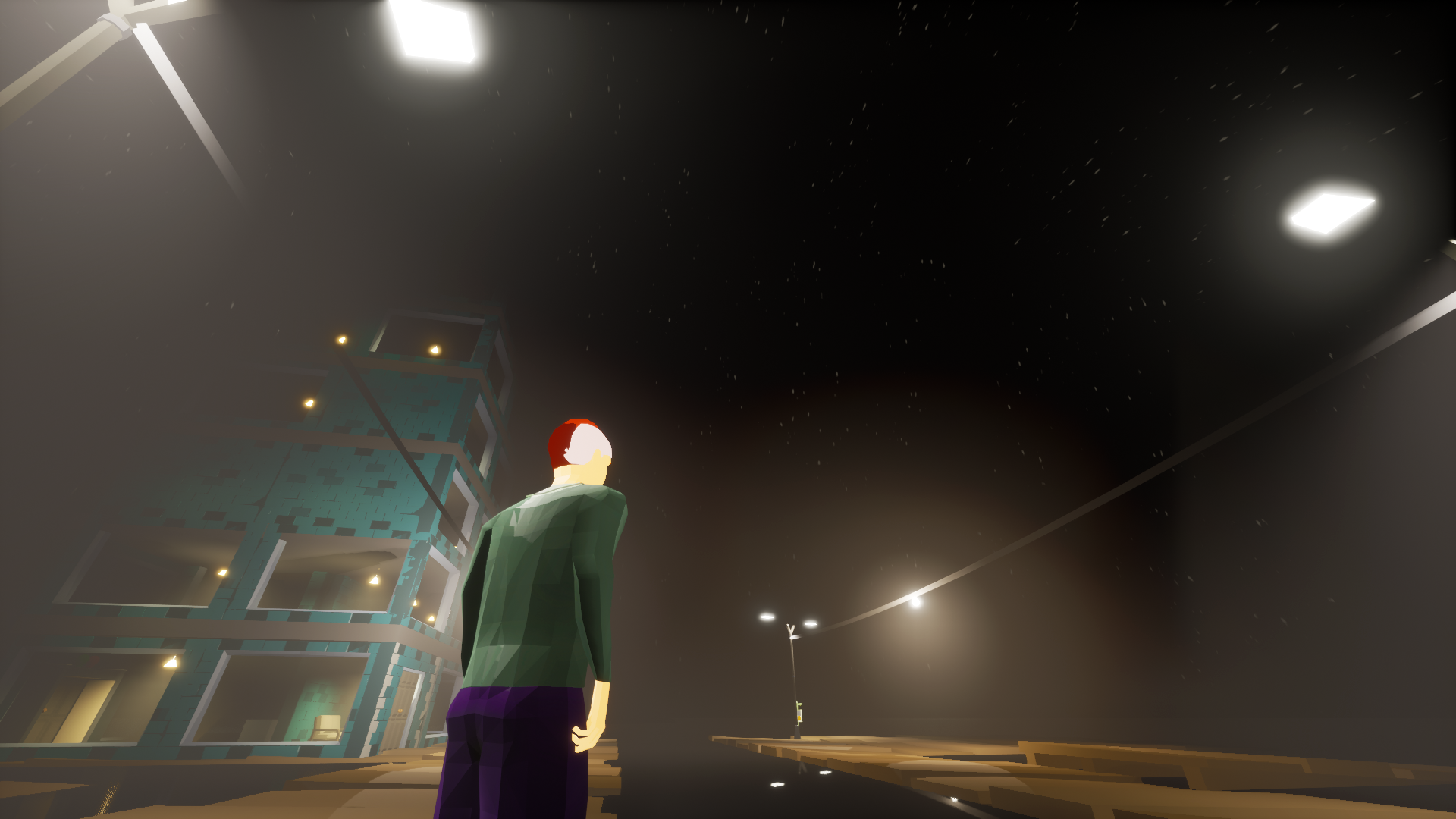
They increase visibility, twinkle, and look pretty.
Underwater Visibility#
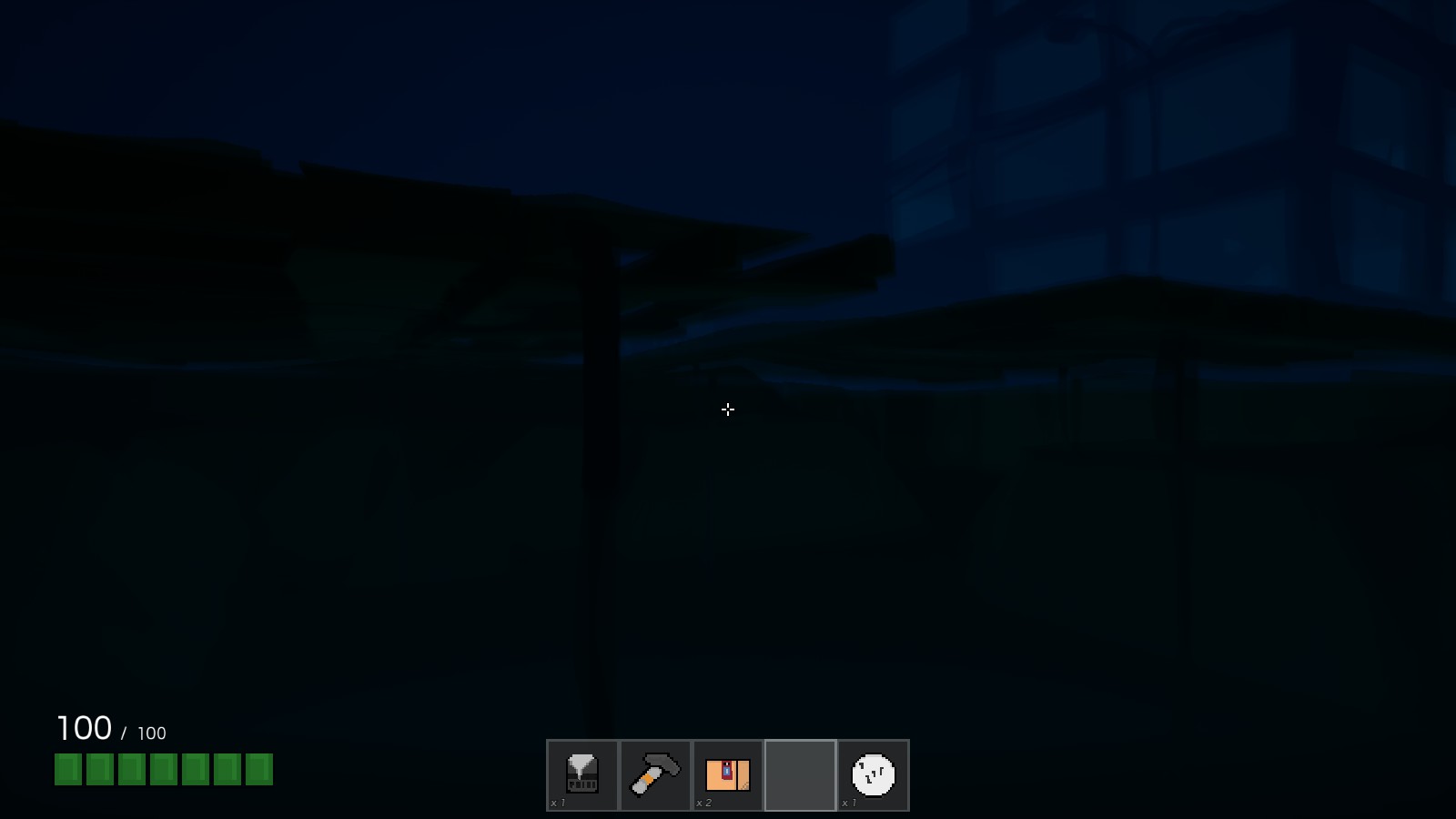
Swimming has always been difficult in BadLads, but practically impossible while it’s dark. That’s changed. When you are underwater, the game’s lighting will automatically adjust to make it clear where you are going no matter what time of day it is.
Your Server, Your Rules#
Server Plugins are a thing now. Get started with the BadLads plugin starter project.
Plugins go into the BadLadsPlugins folder in your server or your local game save directory; you can even use them in sandbox mode without a server. They support hot reloading out of the box, so if you are developing a plugin it’ll be completely seamless. This is a game changer for BadLads: letting players create their own rules and worlds within BadLads expands the roleplay experience entirely.
The plugins use a new exciting technology called WebAssembly. WebAssembly is exciting because it isn’t constrained to a single programming language like traditional game plugins; you can use any programming language that can compile to WASM (WebAssembly Binary Module).
Everything Else#
Added#
- Money Drop menu — Open a menu to drop your cash with F4. It can be rebound in the controls menu.
- Buildable damage animation — A spring-like animation has been added to buildables when they take damage. This applies to damage done by other players as well, so you’ll notice when someone is trying to damage your buildables.
- UI hints — Vehicle and item hints have clear indications of purpose without having to guess what you’re supposed to do.
- Physics lights — Tied to a physics rope; they cast shadows and light, and look extra pretty during the night.
- Ambient environmental sounds — Near special objects like pipes or water.
- Construction platforms — Scattered around the city.
- Interaction animations — Play when a player interacts with an interactive object.
- Voice transcription toggle — In sound options.
- Voice text-to-speech toggle — In sound options.
- Voice input gain — In the Sound settings.
-simplelightscommand-line parameter — Running the game with this parameter (a Steam launch argument) doubles framerate by sacrificing detailed shadows nearby.- Tunnel fade effect — Hides the skybox if the level is unloaded from a distance.
- Cosmetic fog — Different per level.
- Cosmetic Physics Flags
- Cosmetic Cloth — Scattered around the city’s buildings.
- Game logo
Changed#
- Base wage lowered by 33%.
- Vehicles now hint at what seat you’re about to get in.
- Bay Area build lot prices to be more reflective of build lot sizes.
- Road tiles to be crossing near new bay area traffic lights.
- Two-handed weapon hold pose in third-person.
- Certain objects like pipes have a more metallic sheen.
- Money printers’ max print amounts have been halved.
- Tooltip menus now have animations.
- Radial menus now have open and radial move animations.
- New and more detailed door meshes.
- Build Tool now has new UI hints.
- UI key hints are now animated if the key is being pressed down.
- Old items are automatically wiped if an old save is detected.
- New light poles, new trashcans, new road barriers, new trees, new sidewalks, new architectural pieces, and a new parking meter.
- The player’s camera now sways side to side based on the player’s movement.
- Added apartment windows.
- Made fire escapes properly climbable and placed them in a more logical way.
What’s Next?#
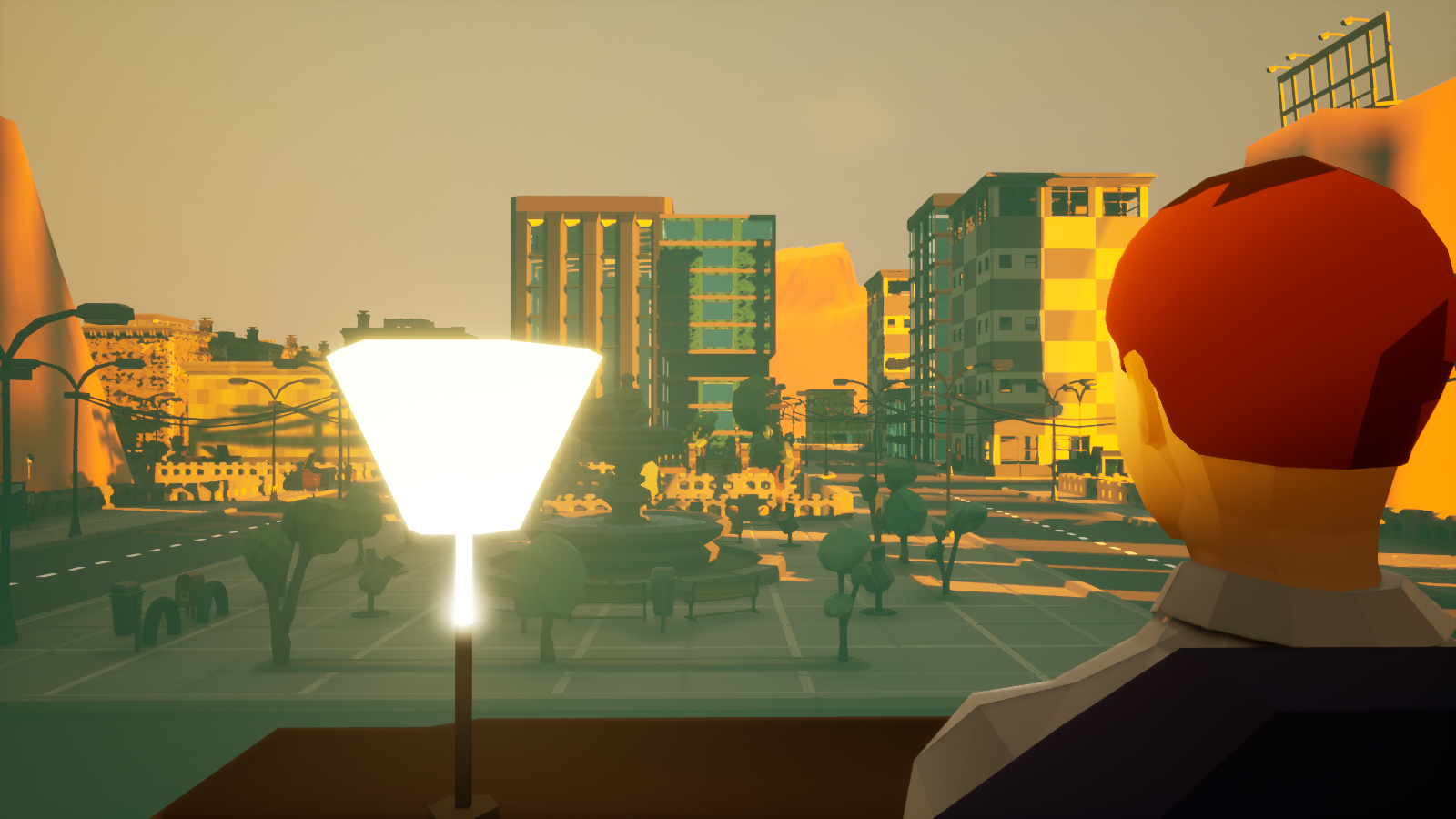
- Custom jobs defined by server owners.
- Custom maps through an in-game tile editor, intended to be distributed through the Steam Workshop.
- NPCs?
A New Gamemode: “City Grow”#
The plan is to add a new concept to BadLads called a gamemode. At the moment the current gamemode is roleplay, and that isn’t going away.
A new gamemode is currently being developed, called City Grow. The idea is simple: you enter into a giant barren landscape, with no wages and no predefined jobs. You gather materials like wood, stone, and metal and start building your general infrastructure: roads, buildings, and power generators. Lights depend on power and so on. You keep expanding your infrastructure until you’ve built a city. Certain areas in the map have precious resources so factions will naturally develop. Let me know what you think in the @PlayBadLads Discord or get in touch with me at mark.jg@chemicalheads.com.
The game’s traditional roleplay isn’t going away. The game will be defined into two primary gamemodes: traditional roleplay and City Grow.